The mirror hides slow gains.
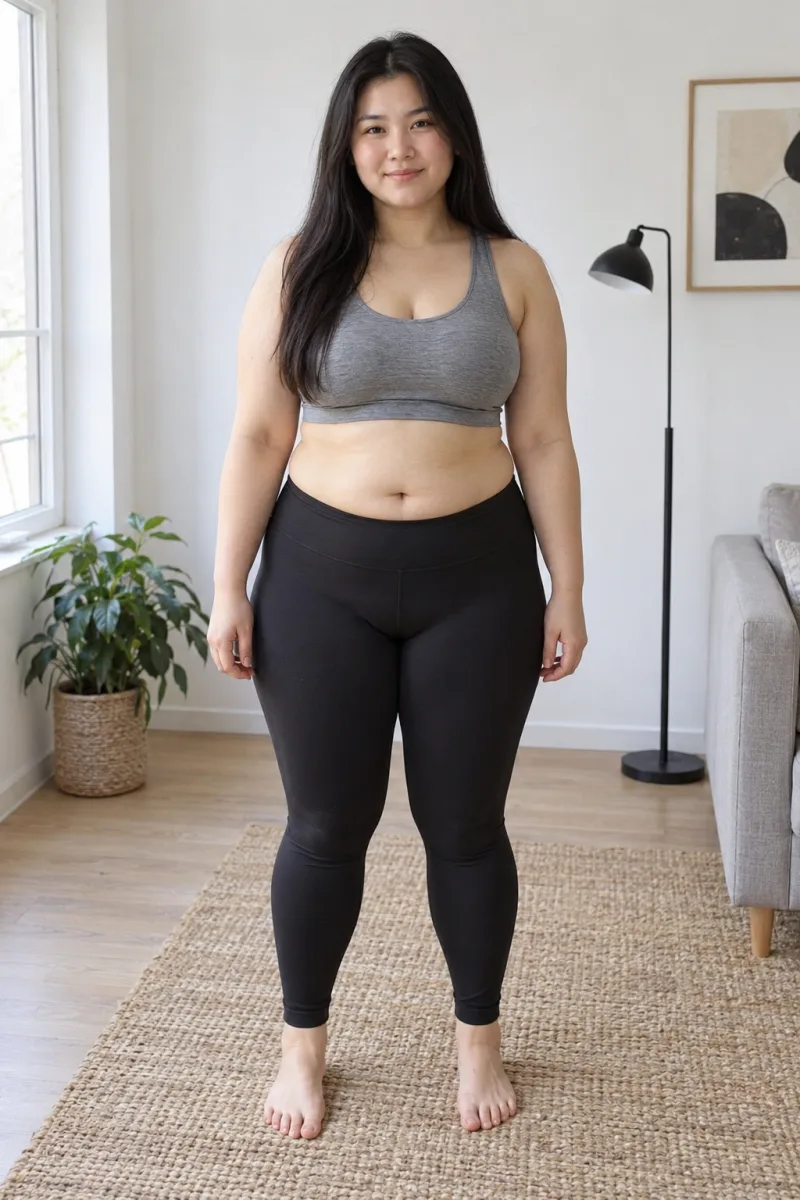
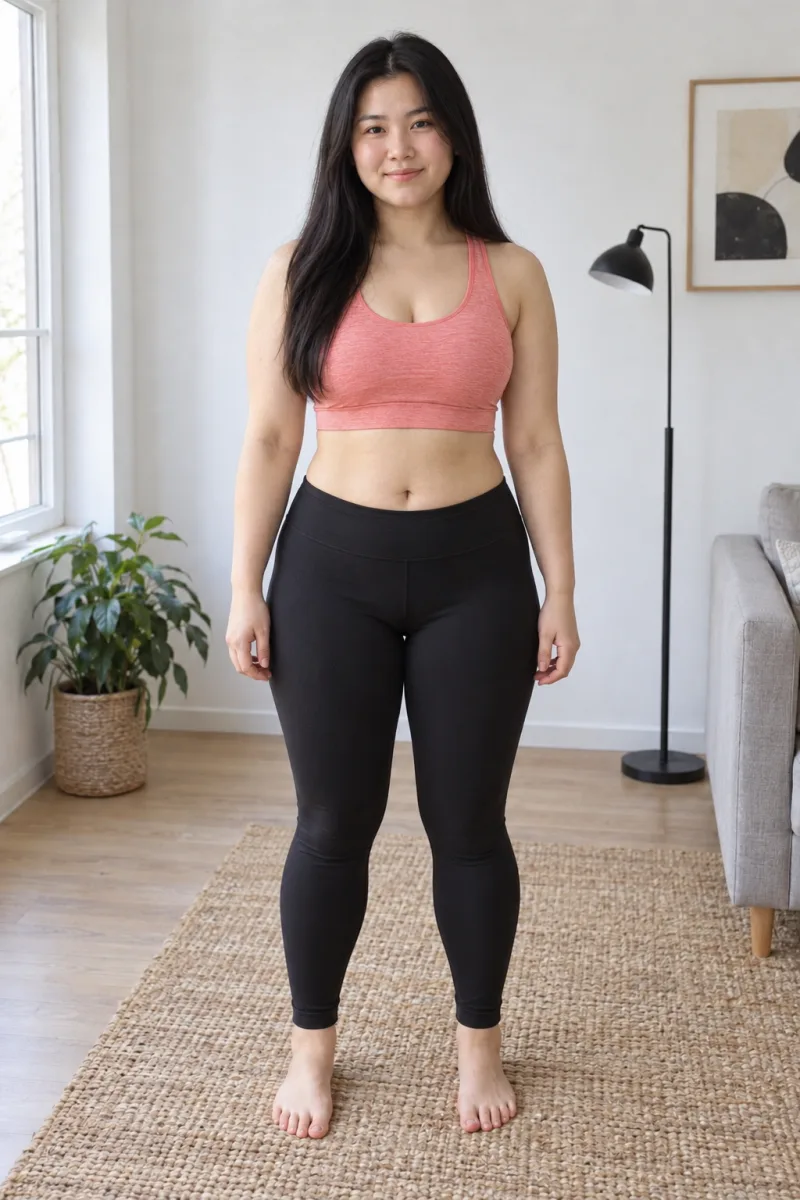
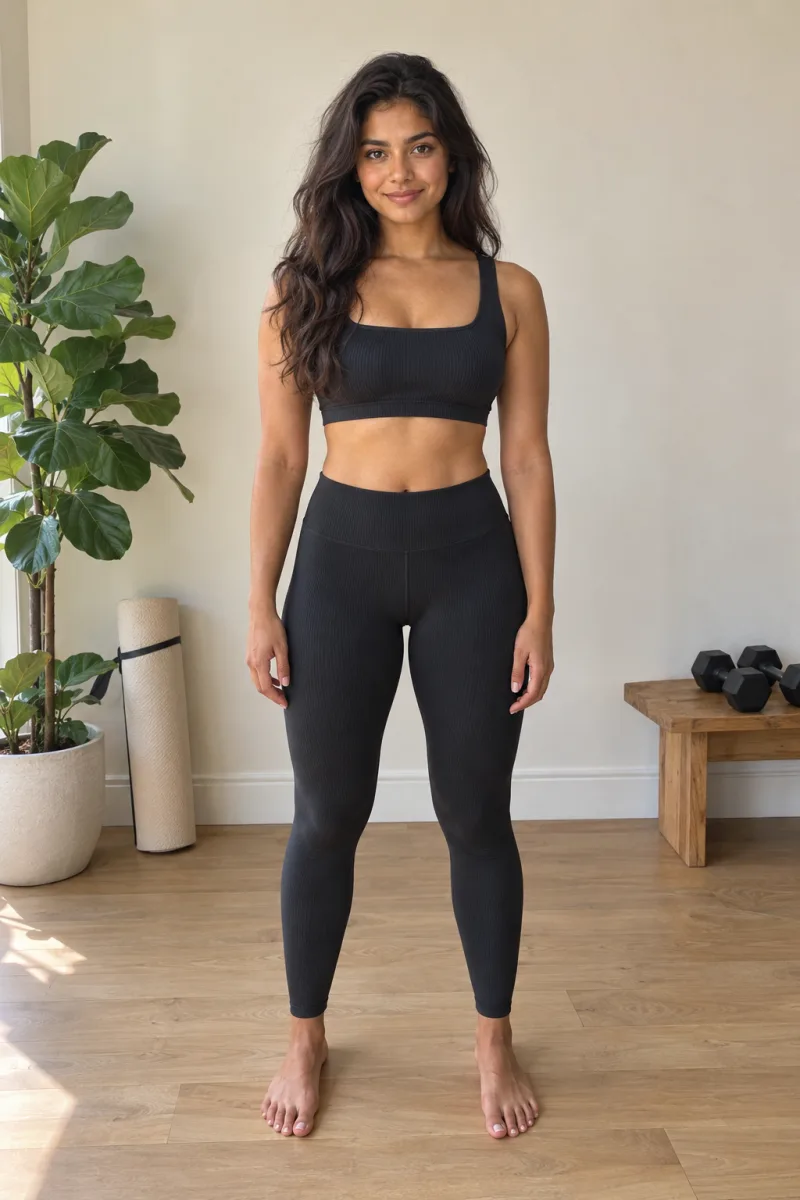
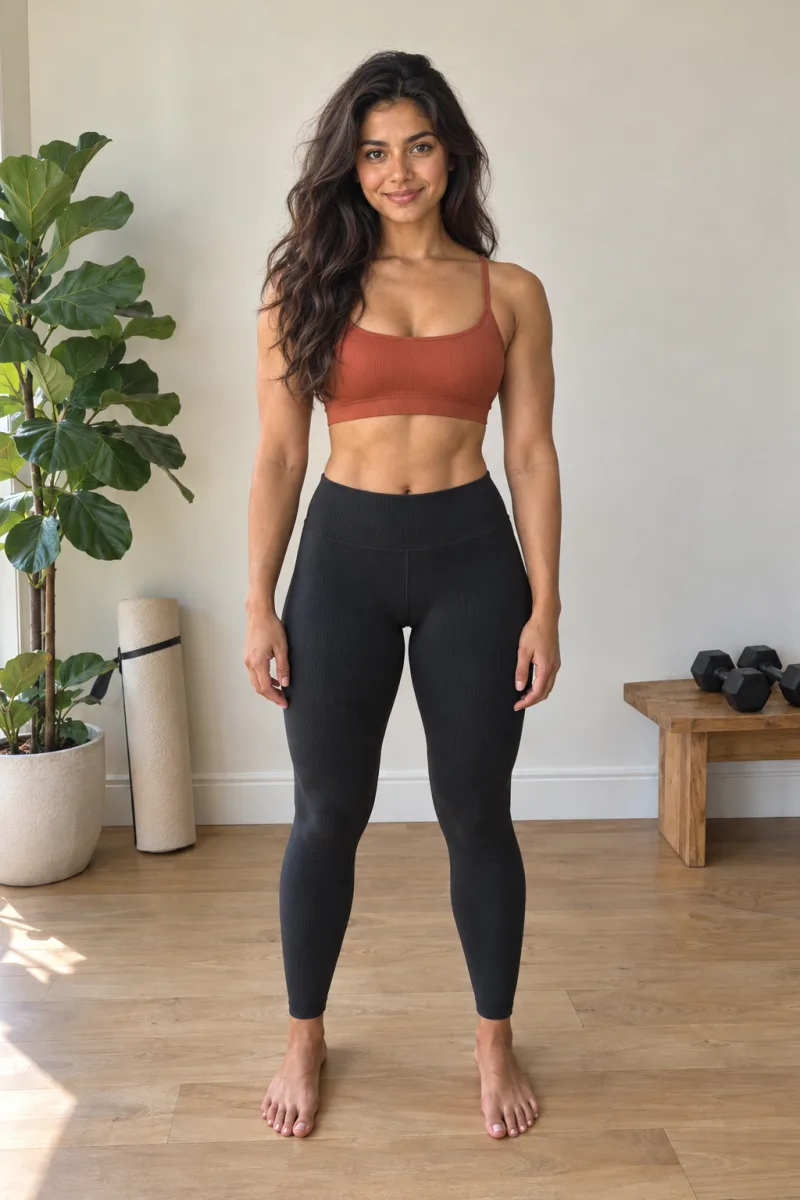
Cutting, bulking or just lifting? You see yourself every day, so twelve weeks of work blends in. Lined-up photos put week 1 next to week 12 so you can see it.
Coming soon to the App Store. iPhone only.
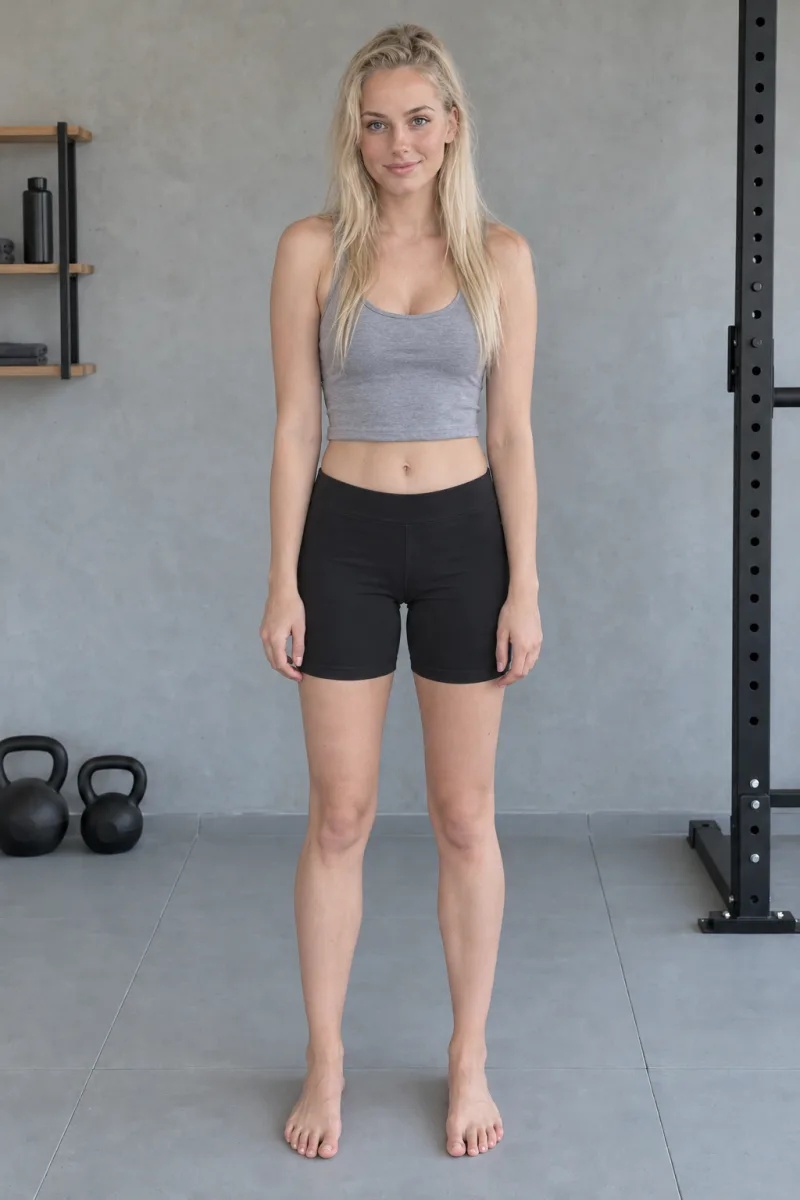
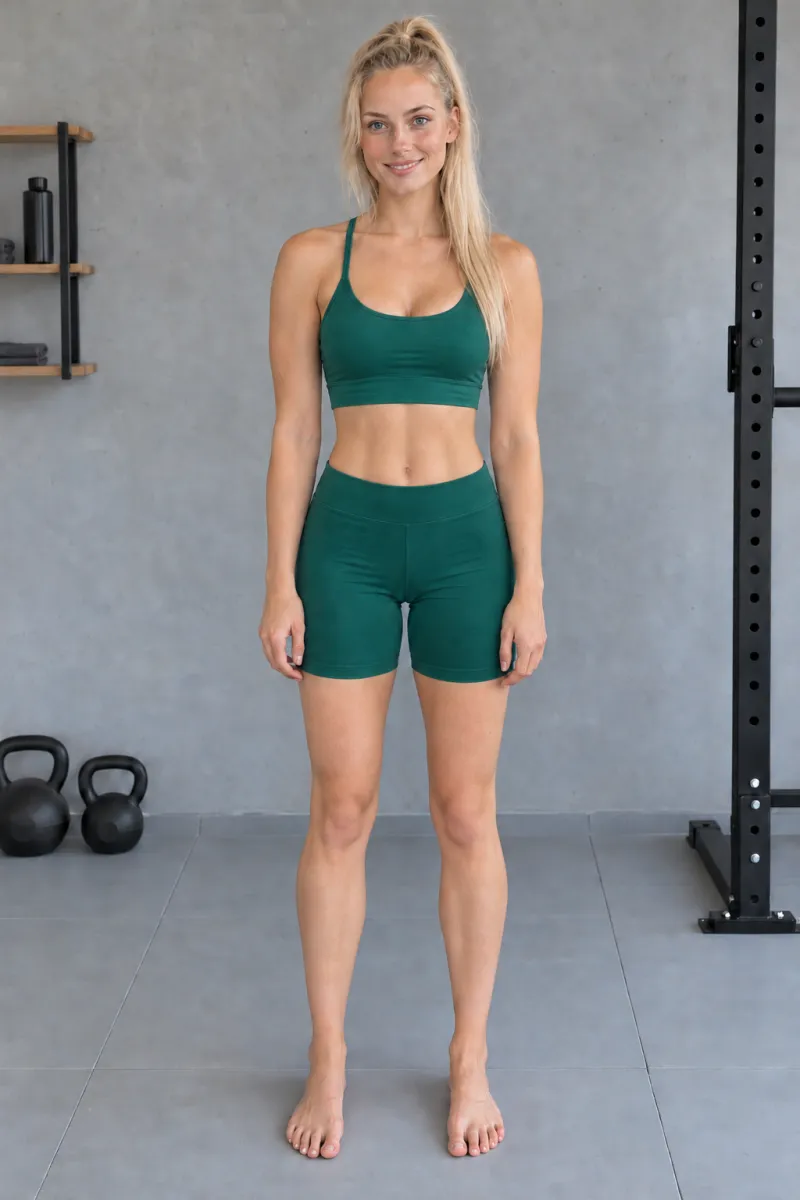 Day 1Today
Illustrations, not customer results.
You're putting in the work. Where is it?
Your lifts go up in the log. Your body changes too slowly to notice day to day.
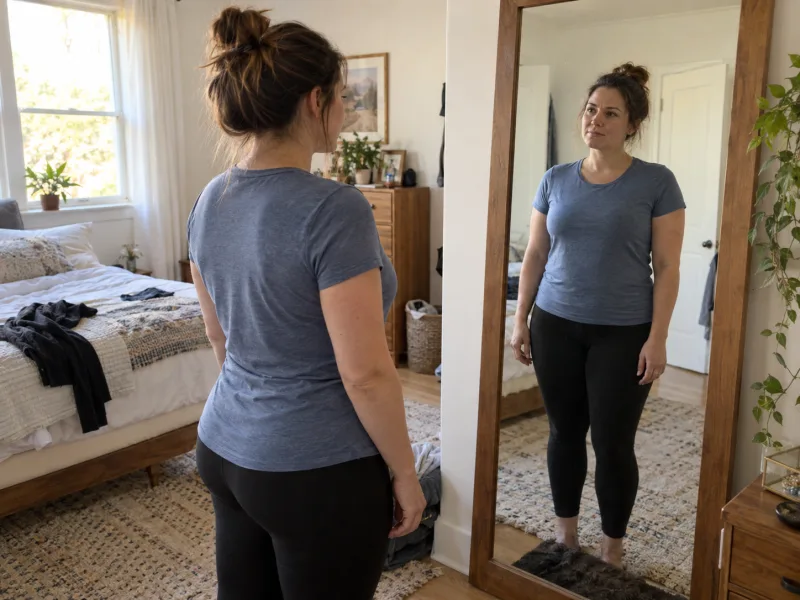

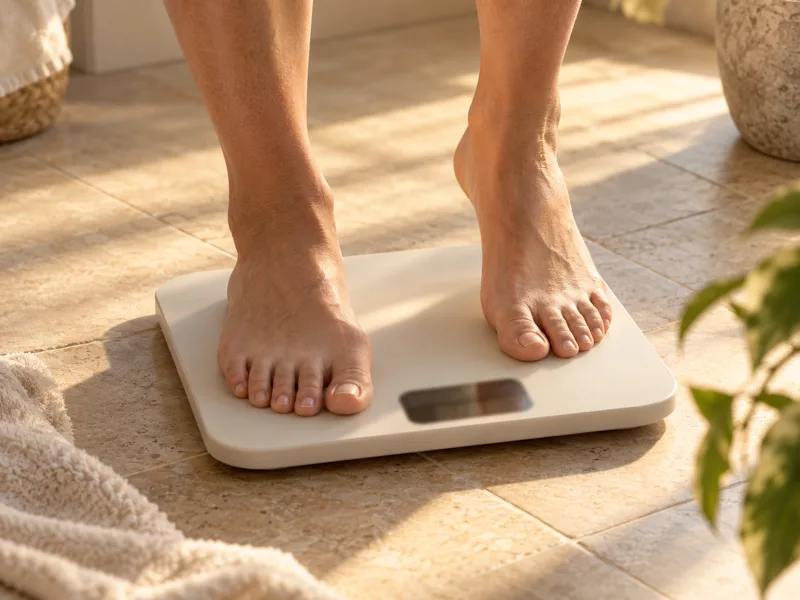 Same weight, different shape
Illustrations, not customer results.
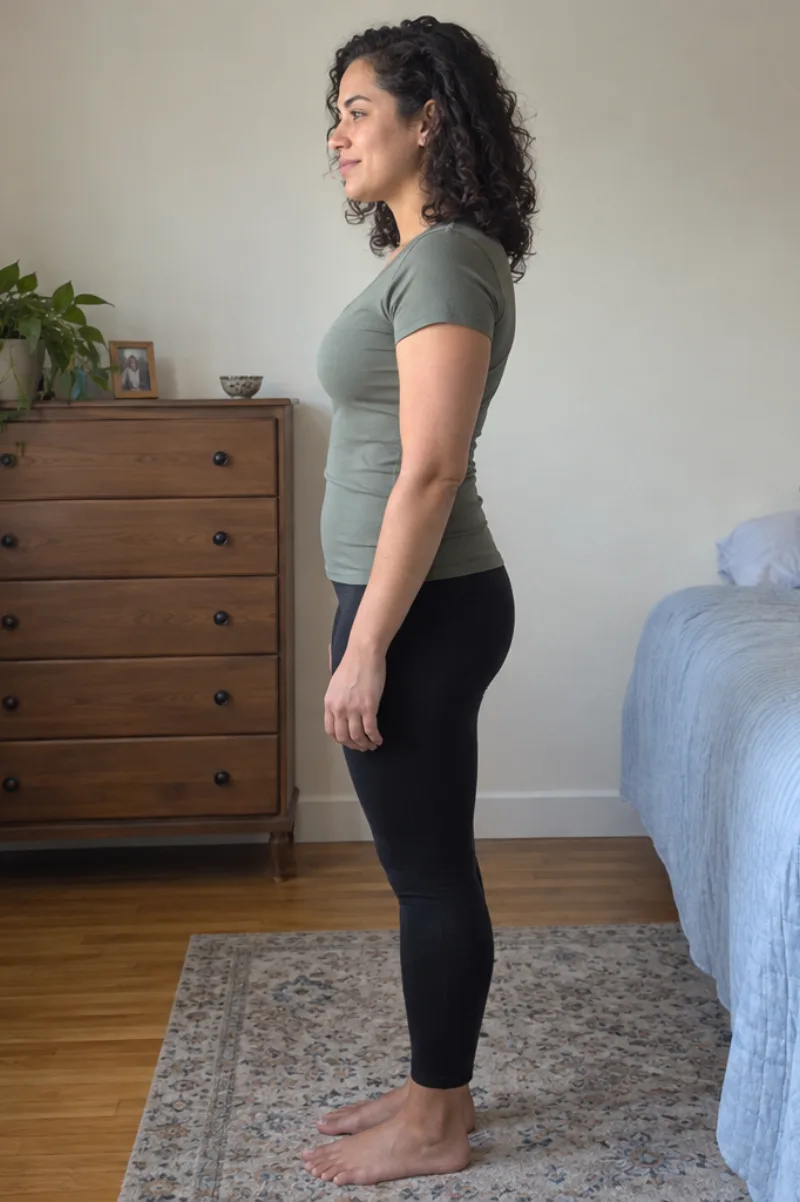
A check-in photo, lined up with week 1.
Same pose, same framing, every check-in. The prompts do the lining up so the photos compare.
- 1Take your first photo on day one of the block. That's week 1.
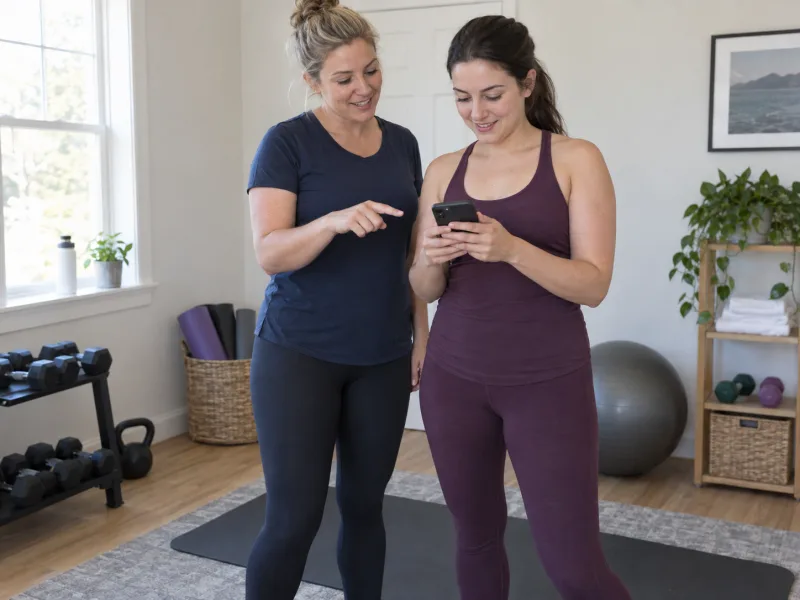
- 2Each check-in, follow the prompts: step back, move left, hold it there.
- 3Snap, then compare with week 1. Use similar light each time.
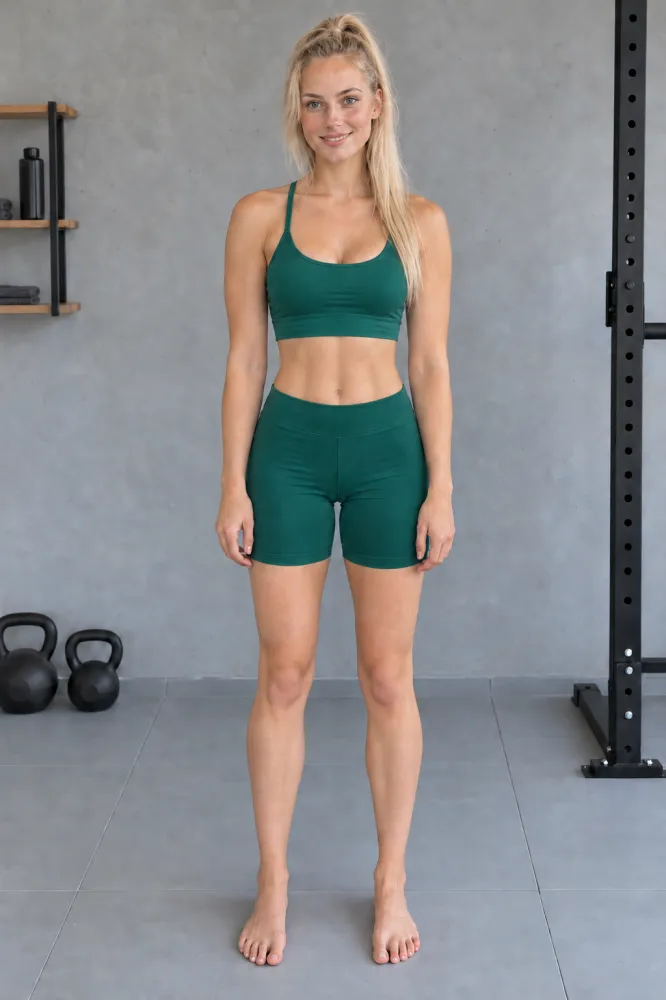
Illustrations, not customer results.
Week 1 vs week 12.
Pick any two dates and drag between them. When BodySnap finds a clear match, it lines them up. If not, it shows the originals as taken; tap As shot any time to see them.
The real app, shown with demo photos.
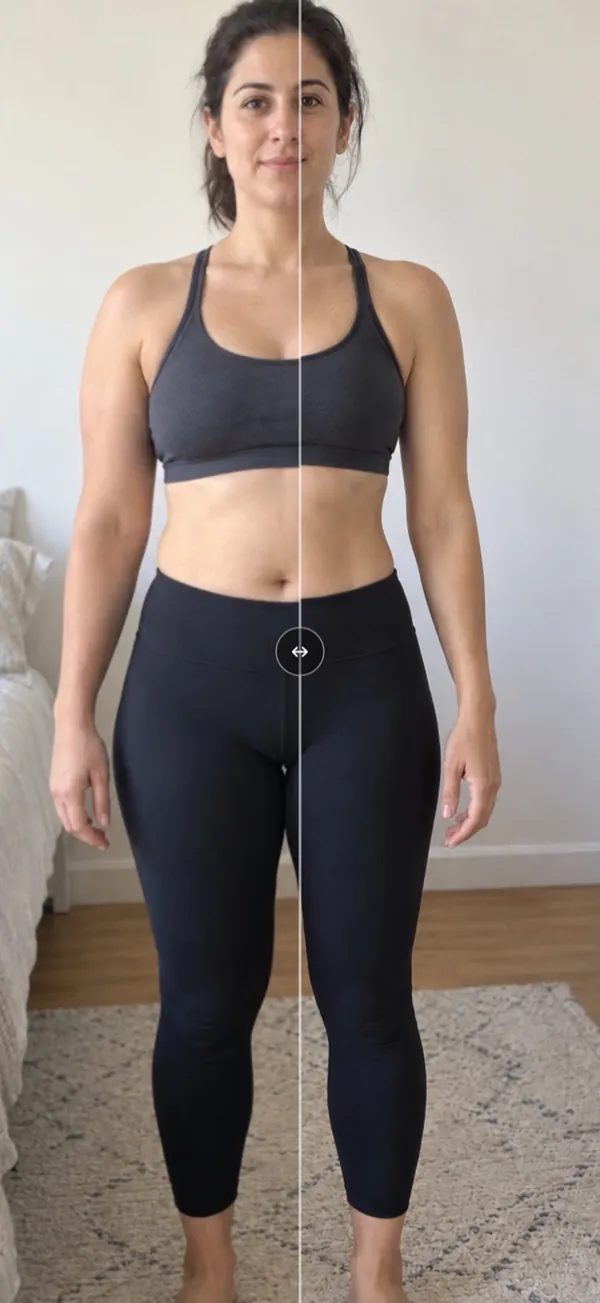
Every check-in lined up the same way.
A check-in photo takes a few seconds. The app does the lining up and keeps every date.
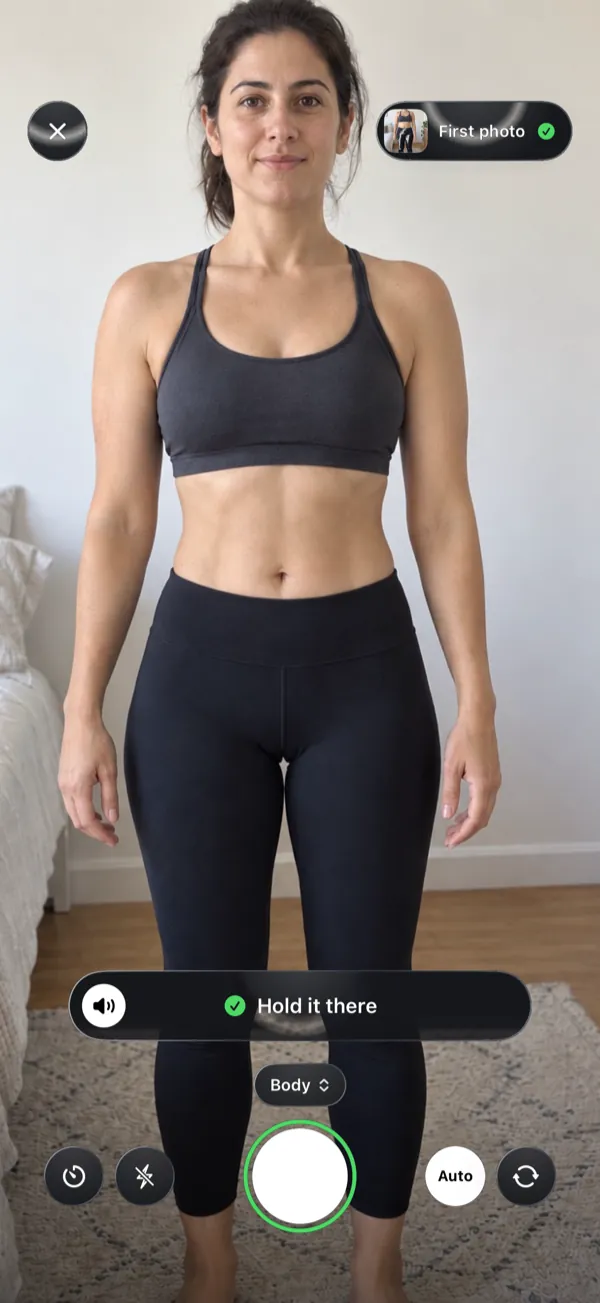
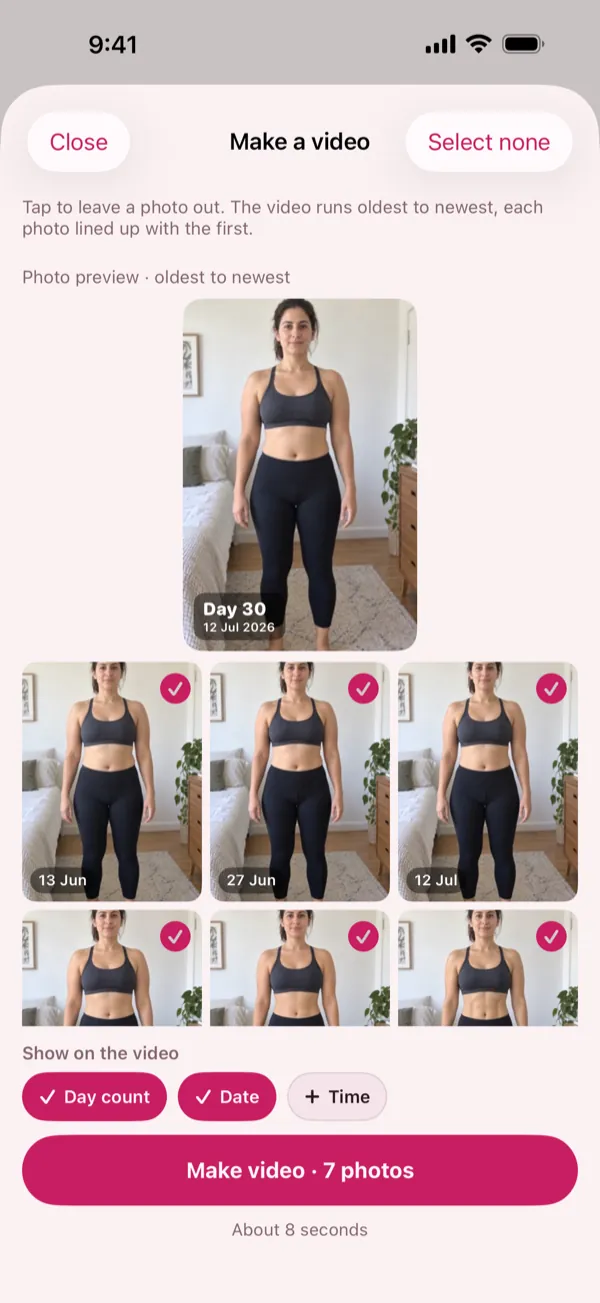
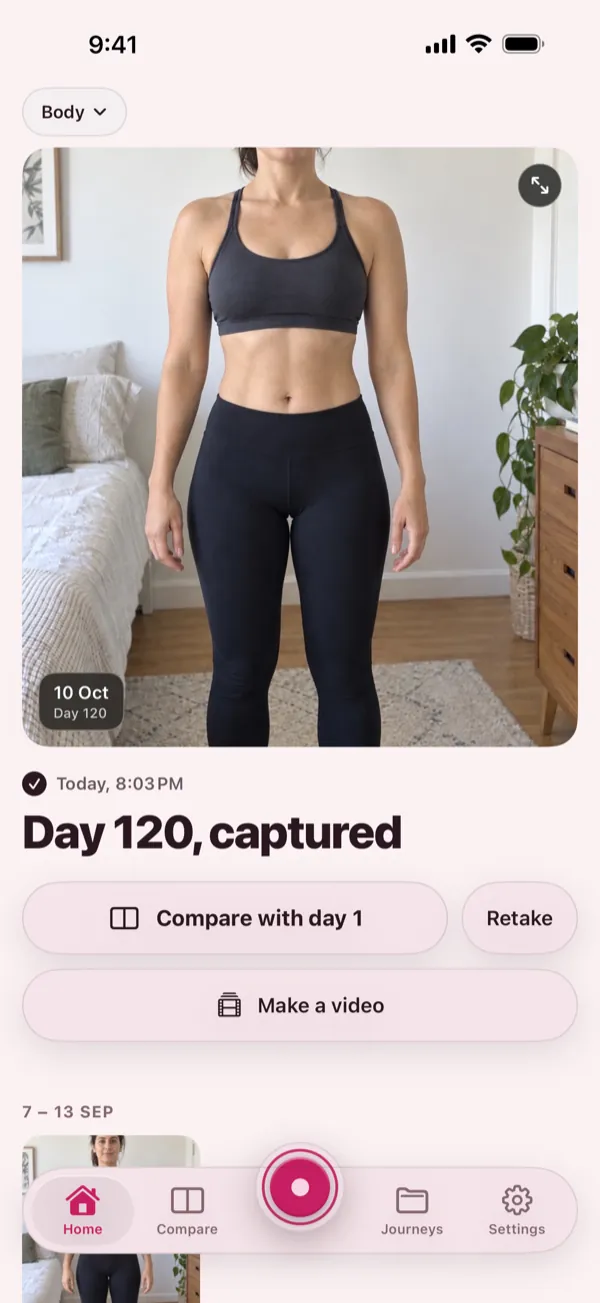
Real app screens, shown with demo photos.
Your first photo starts at launch.
Get one email when BodySnap is available. Then start your photo journey.
Coming soon to the App Store. iPhone only.
14 days free when eligible, then $4.99 (US price) a month. Cancel anytime in the App Store. There is no free tier: taking photos, Compare and video need Pro. If Pro ends, you can still view and save your photos. See pricing. Your photos are yours. We never sell them or use them for ads.
Find your next chapter.