Four steps to photos you can compare.
From your first photo to your first side by side. It takes about a minute to see how it works.
Start a journey and take Day 1.
Pick what you want to see change: body, face, hair, pregnancy, or name your own. Then take your first photo. That is Day 1.
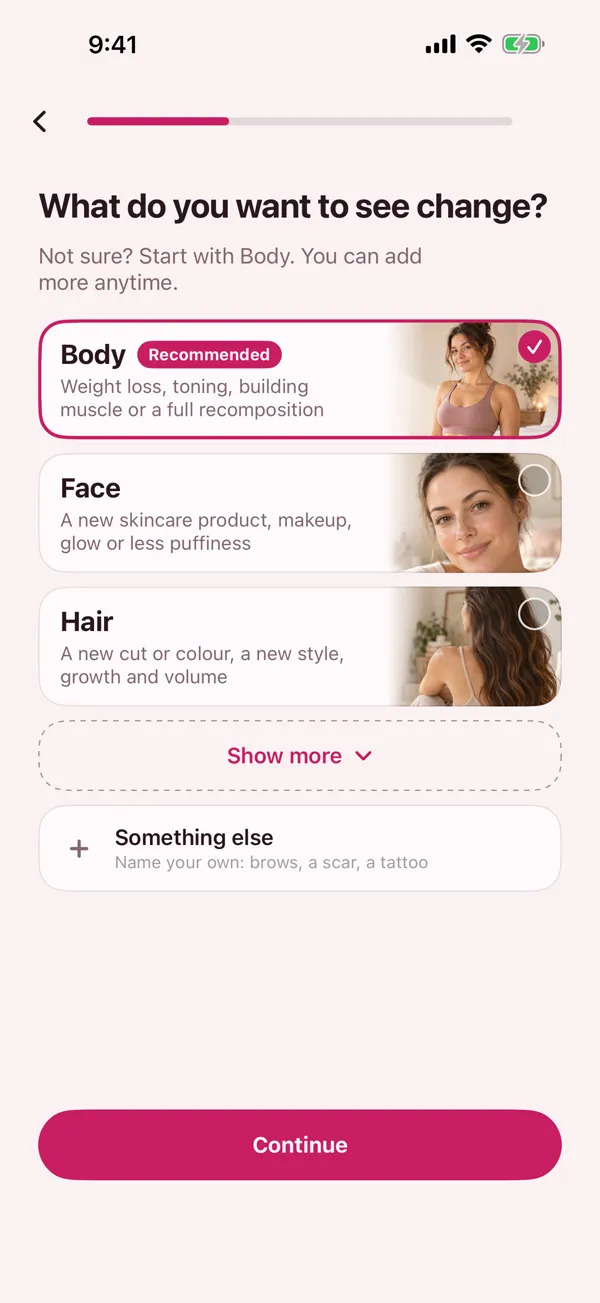
Let the camera line you up.
The outline of your last photo shows on the screen. Prompts say step back, move left, hold it there. Prefer to listen? Turn on spoken prompts.
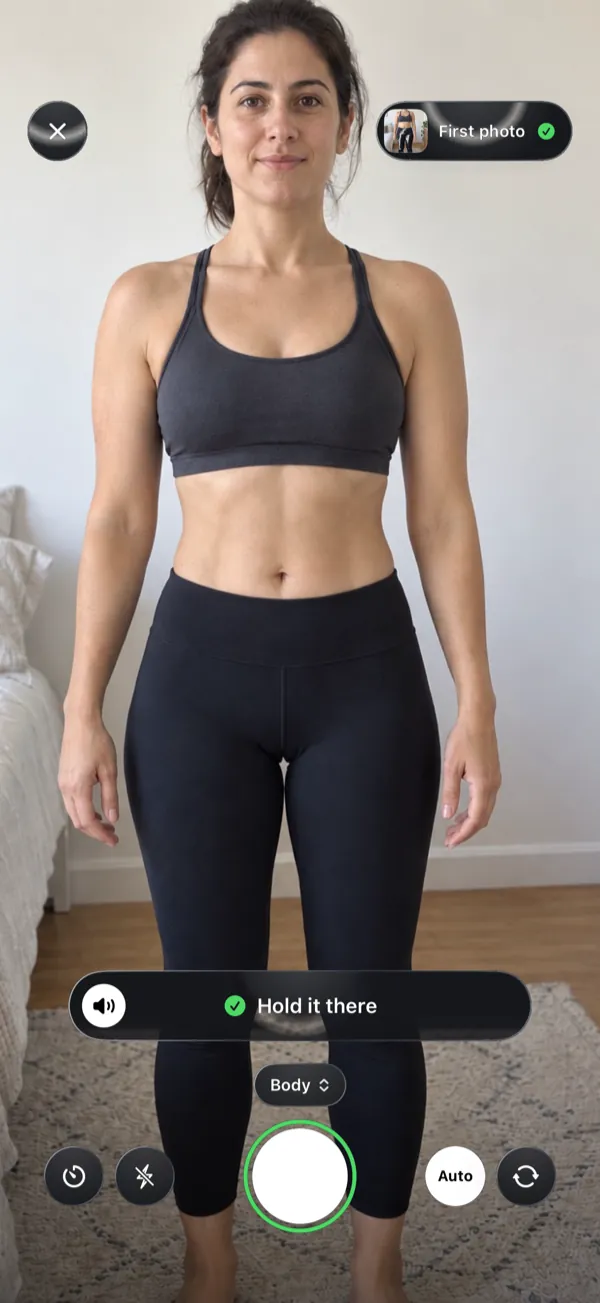
Snap on your routine.
Choose daily, every other day, weekly or the days you pick, and the time for your reminder. Already have progress photos? Bring them in. Each one keeps its original date when it's there.
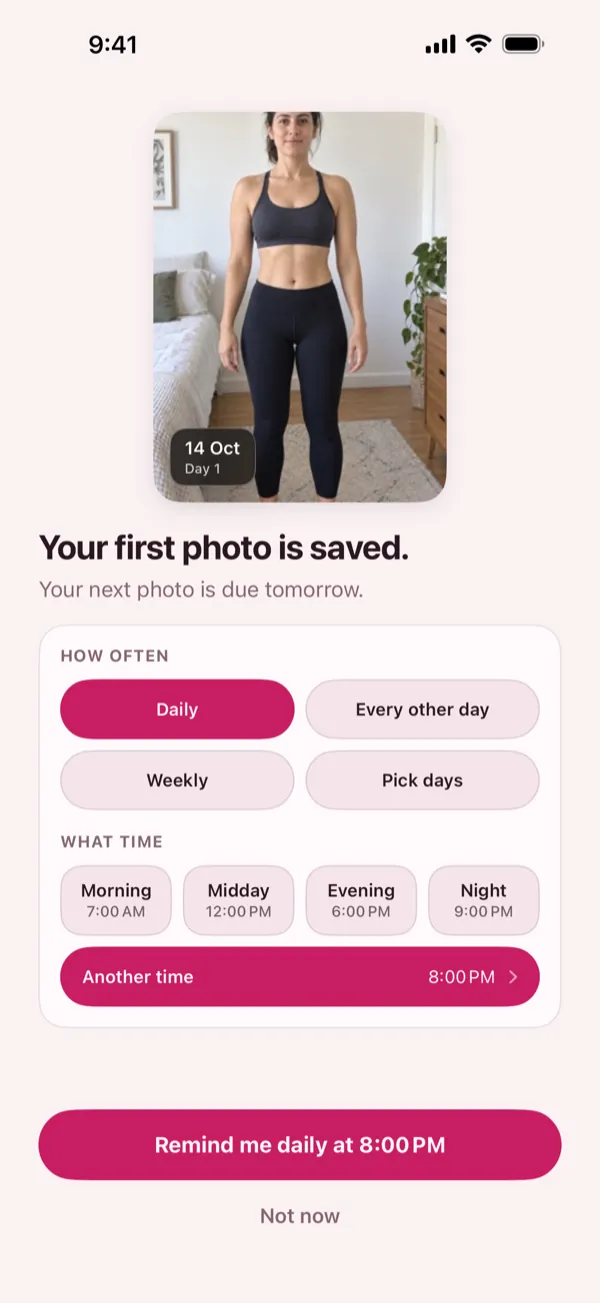
Compare two days. Make a video.
Pick any two days: side by side, or drag between them. Then pick your photos, add a date label if you like, and turn months into a short video. Save it or share it.
Camera, compare and video are part of BodySnap Pro.
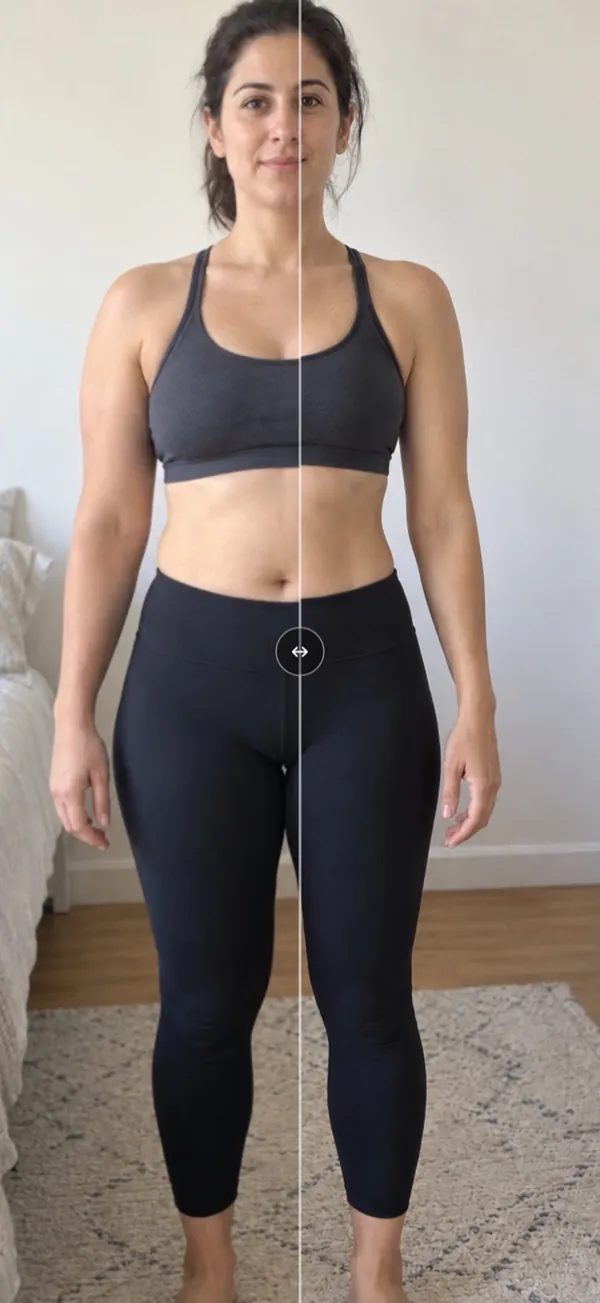
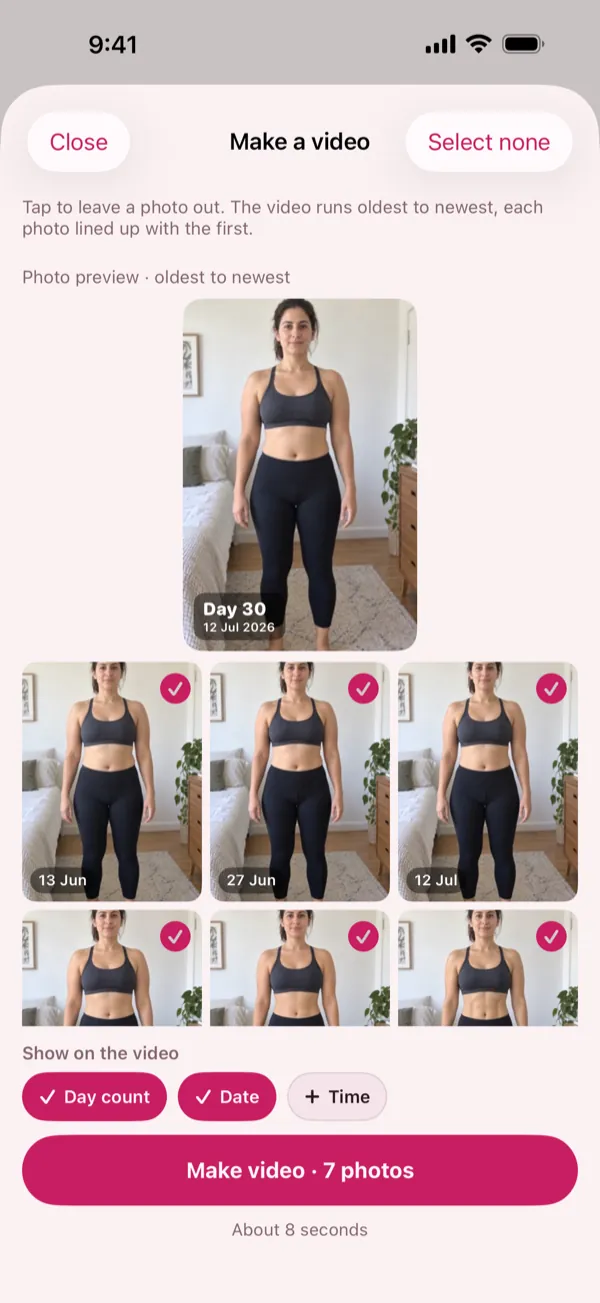
Real app screens, shown with demo photos.
Tips for photos you can compare
- Same spot. Stand in the same place, with the same wall behind you.
- Same light. A window beside you gives the same light each time.
- Same time of day. Your body changes through the day, so pick one time.
- Same clothes. Wear the same, or close to it, so what you see is you.
- Hold your phone straight. Wait for the prompt that says hold it there, then snap.
Take your Day 1 photo today.
Next week you'll have something to compare.
Coming soon to the App Store. iPhone only.
14 days free when eligible. Cancel anytime in the App Store.